Social media
Tips for hiding whatsapp status

Tips for hiding whatsapp status. The American social media, instant messaging (IM), and voice over IP (VoIP) service WhatsApp Messenger, or just WhatsApp, is available through desktop and mobile applications. The service, which is owned by Meta Platforms, enables users to share photographs, documents, user locations, and other content in addition to sending text, voice, and video messages and making voice and video conversations.
TIPS HIDING WHATSAPP STATUS
With our contacts, WhatsApp has emerged as the preferred tool for exchanging information, stories, and special events. But there can be times when you wish to hide your WhatsApp status from specific people.
Whether it’s to maintain a sense of privacy or to limit who may access your updates, WhatsApp includes a convenient function that allows you to conceal your status from specified friends.
Change your Status Privacy settings to “My contacts except…” or “Only share with…” to conceal your WhatsApp status from certain individuals or the general public. Using the official WhatsApp Help Center, you can easily adjust these settings.
For total control over your status updates, adhere to following specific guidelines and procedures:
How to Hide WhatsApp Status on Android;

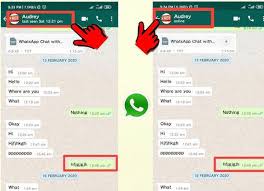
Tips for hiding whatsapp status
1) Open your WhatsApp
2) Swipe right to status barTap the three dot menu
3) Select status privacy
4. Next, tap on My contacts except;
5. Simply select the contacts you want to hide your status from.
Don’t worry if you’re having trouble finding a particular contact; you can use the handy search tool to locate them quickly. Once you’ve made your selection, just tap on the checkmark icon to confirm your changes.
If I exclude someone from WhatsApp status will they know;

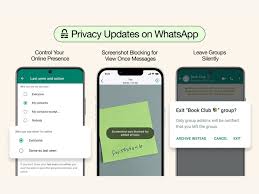
Tips for hiding whatsapp status
One way is to ask a common friend if he sees the status updates of the person who you think have blocked you. If the other person can see, then the person has excluded you. WhatsApp doesn’t let you know if you are excluded or not.
Summary
Managing your privacy on WhatsApp is crucial, and by hiding your status from specific pals, you could have more control over the information you transmit. By following the simple procedures in this article, you can easily modify the accessibility of your WhatApp status and ensure that only specific contacts may see it. Make the most of this feature for a more personalized and safe experience with Whatsapp. Remember that you are responsible for your own privacy.