
Video editing
Video Editing Tips

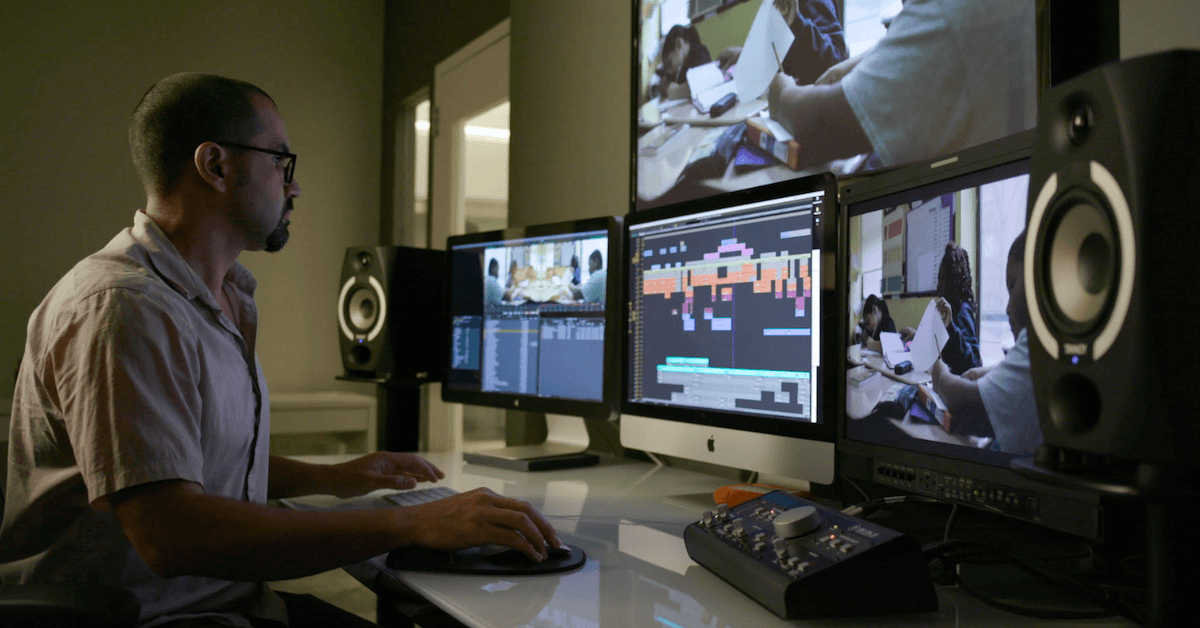
Video editing tips. Video editing requires a careful balancing act between technical proficiency and artistic vision. It’s a craft that calls for perseverance, commitment, and an acute attention to detail. Above all, though, it’s a voyage of expression and discovery. where every edit is a single brushstroke on an imaginative canvas. Thus, it doesn’t matter if you are an experienced editor or a novice. Keep in mind that you have the ability to create. Accept it, try it out, and let your imagination go wild.
VIDEO EDITING TIPS
The magical process of turning uncut footage into an engrossing visual narrative is known as video editing. It’s a craft that blends technical expertise with creative flare, enabling editors to combine sound, effects, and visuals to arouse feelings, communicate ideas, and transport viewers to the story’s setting.
The Canvas of Creativity;
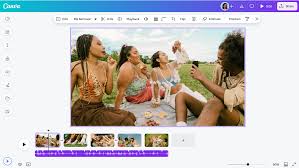
At its core, video editing is about storytelling. Editors are the architects of narrative, sculpting raw footage into a seamless, engaging experience. Like painters with a blank canvas, editors begin with nothing but raw footage and a vision, ready to bring their creation to life.
Crafting a Symphony of Sight and Sound;
Video editing isn’t just about visuals; it’s also about sound. Sound design, music, and dialogue all play crucial roles in shaping the viewer’s experience. Just as a conductor guides an orchestra, editors orchestrate a symphony of audio and visuals, ensuring harmony and rhythm throughout the piece.
The Tools of the Trade;
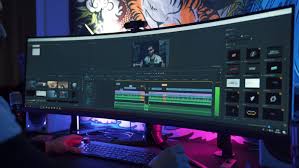
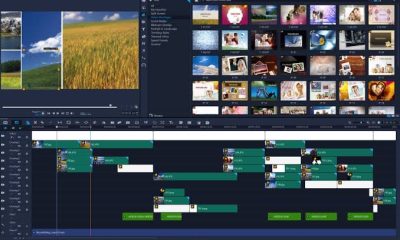
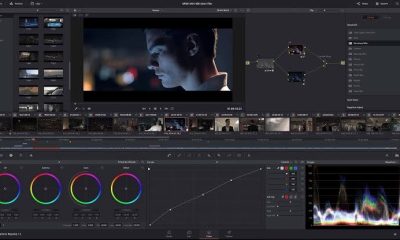
In today’s digital age, video editing is done primarily using sophisticated software programs like Adobe Premiere Pro, Final Cut Pro, or DaVinci Resolve. These tools provide editors with an array of features and capabilities, from basic cutting and trimming to advanced effects and color grading.
Mastering the Art of Montage;
Montage, the art of assembling disparate shots into a cohesive sequence, is a cornerstone of video editing. Whether it’s a fast-paced action sequence or a poignant montage depicting the passage of time, editors use this technique to create emotional impact and propel the narrative forward.
The Power of Post-Production Magic;
VIDEO EDITING TIPS
Post-production is where the magic truly happens. Through techniques like color grading, visual effects, and motion graphics. Editors can enhance the visual appeal of their work and transport viewers to fantastical realms beyond imagination. From subtle adjustments to breathtaking transformations, post-production is where the vision truly comes to life.
The Evolution of Editing;

VIDEO EDITING TIPS
Video editing has come a long way since the days of cutting and splicing film reels. Advances in technology have revolutionized the editing process. Making it more accessible and versatile than ever before. From the advent of non-linear editing systems to the rise of cloud-based collaboration tools. The evolution of editing has empowered storytellers to push the boundaries of creativity.
Summary
Prioritize audio (voice-over/music), cut on action to preserve continuity, and keep transitions simple to keep viewers interested to elevate your video editing. For a quicker, more effective process, concentrate on timing by cutting out extraneous material, covering cuts with B-roll, and structuring project files.




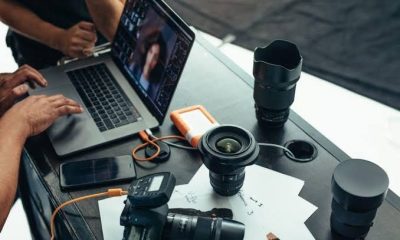



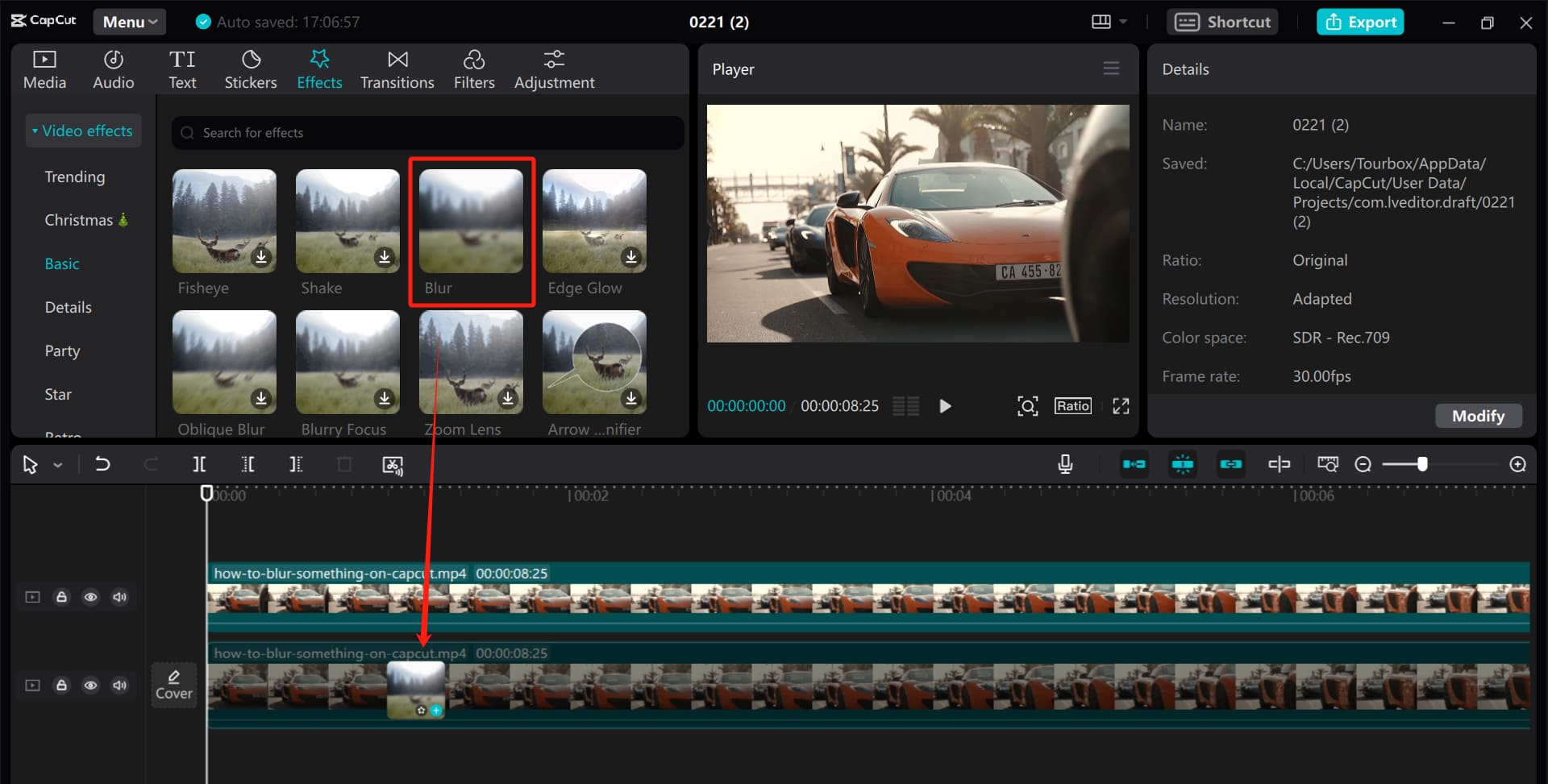
Blurring techniques for filming/editing. For visual storytellers who want to manage focus and direct the viewer’s attention, understanding the art of object blurring is crucial, whether it is accomplished through painstaking editing in post-production or careful preparation during filming. Filmmakers and editors can improve their art and produce captivating stories that enthrall and engage people by comprehending the various approaches and their benefits.
BLURRING TECHNIQUES FOR FILMING/EDITING
Managing focus and attention is crucial in the field of visual storytelling. It’s sometimes important to highlight some topics while discreetly hiding others. This can be accomplished by skillfully using blurring methods in both the editing room and during filming. We’ll examine several techniques for accomplishing selective object blurring in this post, along with the benefits of each.
1. Blurring During Filming:
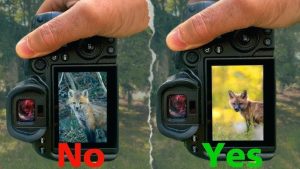
• Depth of Field: Utilizing a shallow depth of field by adjusting aperture settings on the camera can naturally blur objects in the foreground or background while keeping the main subject sharp.
• Physical Obstructions: Strategically placing objects, such as foliage or furniture, between the camera and unwanted elements can create a natural blur effect, adding depth and interest to the composition.
2. Blurring During Editing:
BLURRING TECHNIQUES FOR FILMING/EDITING
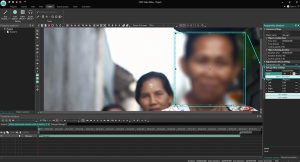
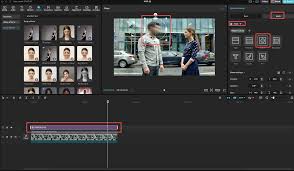
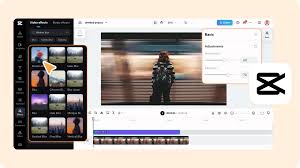
• Software Tools: Video editing software offers a myriad of tools for applying blur effects. Gaussian blur, lens blur, and radial blur filters can be precisely applied to specific areas of the frame to achieve the desired effect.
• Masking and Rotoscoping: Advanced editing techniques involve masking or rotoscoping to isolate objects or areas within the frame. Once isolated, blur effects can be applied selectively, allowing for precise control over which elements are blurred and to what extent.
3. Advantages of Each Approach:
BLURRING TECHNIQUES FOR FILMING/EDITING
• Filming: Blurring during filming can provide a more organic and authentic look, as it captures the blur effect in-camera. It also saves time in post-production, as less editing is required.
• Editing: Post-production blurring offers greater flexibility and control over the final result. Editors can fine-tune the blur effect, adjust its intensity, and even animate blurs for dynamic storytelling.
4. Considerations for Choosing the Right Method:
• Creative Vision: Consider the desired aesthetic and narrative impact of the blur effect. Sometimes, a natural, in-camera blur may be more appropriate, while other situations may call for the precision and control of post-production editing.
BLURRING TECHNIQUES FOR FILMING/EDITING
• Time and Resources: Evaluate the time constraints and resources available for the project. Blurring during filming may be more efficient for quick turnaround projects, while editing offers greater flexibility for more intricate effects.
Summary
When filming, a narrow depth of field, a subject-background distance of five to six feet, and wide apertures for soft backgrounds are all necessary for effective video blurring. Use Gaussian, Directional, or Channel blurs in editing programs like CapCut or Premiere Pro to increase cinematic emphasis, improve motion, or conceal important information.

Chatgpt side effects

Causes of nasal swelling

Lyrics for i will be here

A Step-by-Step Guide to Deleting Reels on Instagram

A Comprehensive Guide to Setting Up a YouTube Premiere

How to Create a WhatsApp Group
-

 Culture4 weeks ago
Germany Rosenmontag Celebration
-

 Flight4 weeks ago
Plane Tickets Relevance
-

 Flight4 weeks ago
Airline Travellers and Baggage Allowances
-

 Flight4 weeks ago
Luxury in Business Class Flight
-
 Music4 weeks ago
Lyrics for wetin you no fit do
-
 Social media2 weeks ago
How to Delete Reels on IG