Social media
Setting up Podcast Spotify Tips

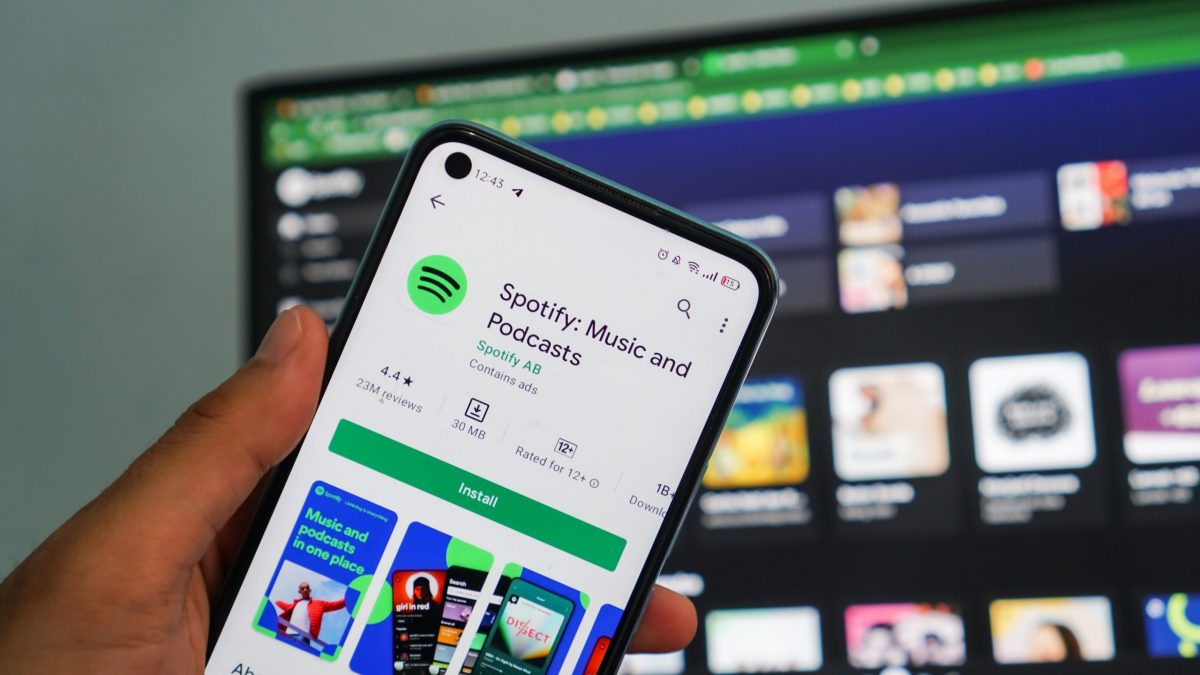

Setting up podcast on spotify tips. Create an account at Spotify for Podcasters and upload your podcast’s RSS feed from your hosting company to get it up on Spotify. Before submitting, make sure you have a professional cover image that satisfies Spotify’s size standards, at least one published episode, and a clear title and description with keywords. You can upload previously recorded audio files or utilize Spotify’s built-in recording and editing capabilities.
SETTING UP PODCAST ON SPOTIFY TIPS
The procedure of setting up your podcasts on Spotify is rather simple and can greatly increase your audience and reach. You may use Spotify to expand your podcasting brand and reach listeners all over the world by adhering to the above guidelines and properly marketing your shows. What’re you waiting for, then? Start using Spotify now and let the world hear your voice.
1. Create and prepare your content;
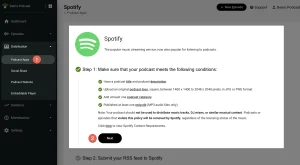
Before you can submit your podcast to Spotify, you’ll need to have your content ready to go. This includes recording and editing your episodes, designing cover art, writing episode descriptions and show notes, and preparing any additional materials you want to include, such as music or sound effects.
2. Choose a Podcast Hosting Platform;
Podcast hosting platforms act as the backend infrastructure for storing and distributing your podcast episodes. Popular hosting platforms include Podbean, Libsyn, Anchor, and Buzzsprout. Sign up for an account with your chosen hosting platform and upload your podcast episodes, along with all necessary metadata and artwork.
3. Submit Your Podcast to Spotify;

SETTING UP PODCAST ON SPOTIFY TIPS
Once your podcast is hosted on a platform, it’s time to submit it to Spotify. Spotify offers a simple submission process for podcasters, which can be done directly through the Spotify for Podcasters platform. Sign up for a Spotify for Podcasters account using your Spotify login credentials, then submit your podcast RSS feed URL.
4. Review and Edit Your Podcast Details;
After submitting your podcast to Spotify, you’ll have the opportunity to review and edit your podcast details. This includes verifying information such as your podcast title, description, artwork, and categories. Make sure everything is accurate and up to date before proceeding.
5. Confirm Ownership and Distribution Rights;
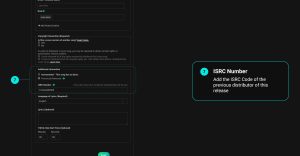
As part of the submission process, Spotify will ask you to confirm that you own the rights to distribute your podcast and that you have the necessary permissions for any copyrighted material used in your episodes. This ensures that your podcast complies with Spotify’s content policies and legal requirements.
6. Wait for Approval;
SETTING UP PODCAST ON SPOTIFY TIPS
Once you’ve submitted your podcast to Spotify and confirmed ownership and distribution rights, it’s time to sit back and wait for approval. Spotify’s review process typically takes a few days to a couple of weeks, depending on the volume of submissions they receive. You’ll receive an email notification once your podcast is approved and live on the platform.
7. Promote Your Podcast on Spotify;
Once your podcast is available on Spotify, it’s essential to promote it to attract listeners and grow your audience. Share links to your Spotify profile and individual episodes on social media, your website, and other marketing channels. Encourage your listeners to follow your podcast on Spotify and leave reviews and ratings to help boost visibility.
8. Engage with Your Audience;

SETTING UP PODCAST ON SPOTIFY TIPS
Engaging with your audience is key to building a loyal following for your podcast on Spotify. Respond to listener feedback, questions, and comments on social media and through your podcast episodes. Consider creating Spotify-exclusive content or playlists to reward your followers and keep them coming back for more.
Summary
Spotify has grown to be a top choice for podcasters wishing to reach a worldwide audience thanks to its millions of active users and extensive audio content catalog. Setting up your podcast on Spotify is a simple procedure, regardless of whether you’re starting a new podcast or moving an existing program to the platform.







The Good and Bad of Facebook. This media handle is a helpful tool for promoting businesses, occasions, and products. Because it gives you instant access to a big number of potential customers, it is also an excellent tool for marketing research. It has also given people a way to interact with friends and family, socialize, and create new relationships.
THE GOOD AND BAD OF FACEBOOK
Facebook makes it easier for individuals, companies, and students to communicate. It’s a place where people may talk to each other about their lives. However, there are additional disadvantages to using the social media site, such as the potential for harassment and theft of personal information. The following are other Facebook Advantages and Disadvantages:
1. Establishing contact

The Good and Bad of Facebook
It is possible to communicate with students worldwide using Facebook. Friends and relatives can stay in touch with you no matter where you are in the world. Students can utilize it to communicate with fellow students..
2. Information
The most popular medium for people to regularly share information is Facebook. The same is applicable to educational settings as well. By setting up a Facebook group, kids will be able to communicate with their peers.
3. News Unlike our ancestors
students can watch news without turning on the TV or reading the morning papers. Students only need to follow a Facebook page to get the most recent headlines and news.
4. Expressing Talent

The Good and Bad of Facebook
Students can use Facebook as a forum to display both their academic work and other talents. It may be a means of revealing your latent abilities. For example, students can make a Facebook page where they showcase their photographic abilities.
Demerits
1. Substance abuse
It has many positive consequences on our access to news and information, but it can also have detrimental affects on students’ education. It is well known that Facebook is an extremely addictive platform.
2. Intolerant
The majority of it users are teenagers who are more interested in their own world. In their haste to get more friends and followers, they may neglect to engage with the actual world.
3. Profanity
There is still some vulgarity on it. It is possible for minors, especially teens, to be exposed to such offensive content without their parents’ awareness. It makes every precaution to avoid vulgarity, yet some sites and groups continue to disseminate obscene content and encourage violence.
4. Bullying on the Internet

On Facebook, some students also experience cyberbullying. Online, people can engage in the same kinds of body-shaming, racial, and religious abuses that occur in communities and schools. Children are more frequently subjected to these forms of harassment than adults.
Summary
It is a major player in the modern world, with almost 2 billion active users each month. Additionally, it’s still growing, and as more people rely on their social media accounts for news, this tendency is certain to continue.
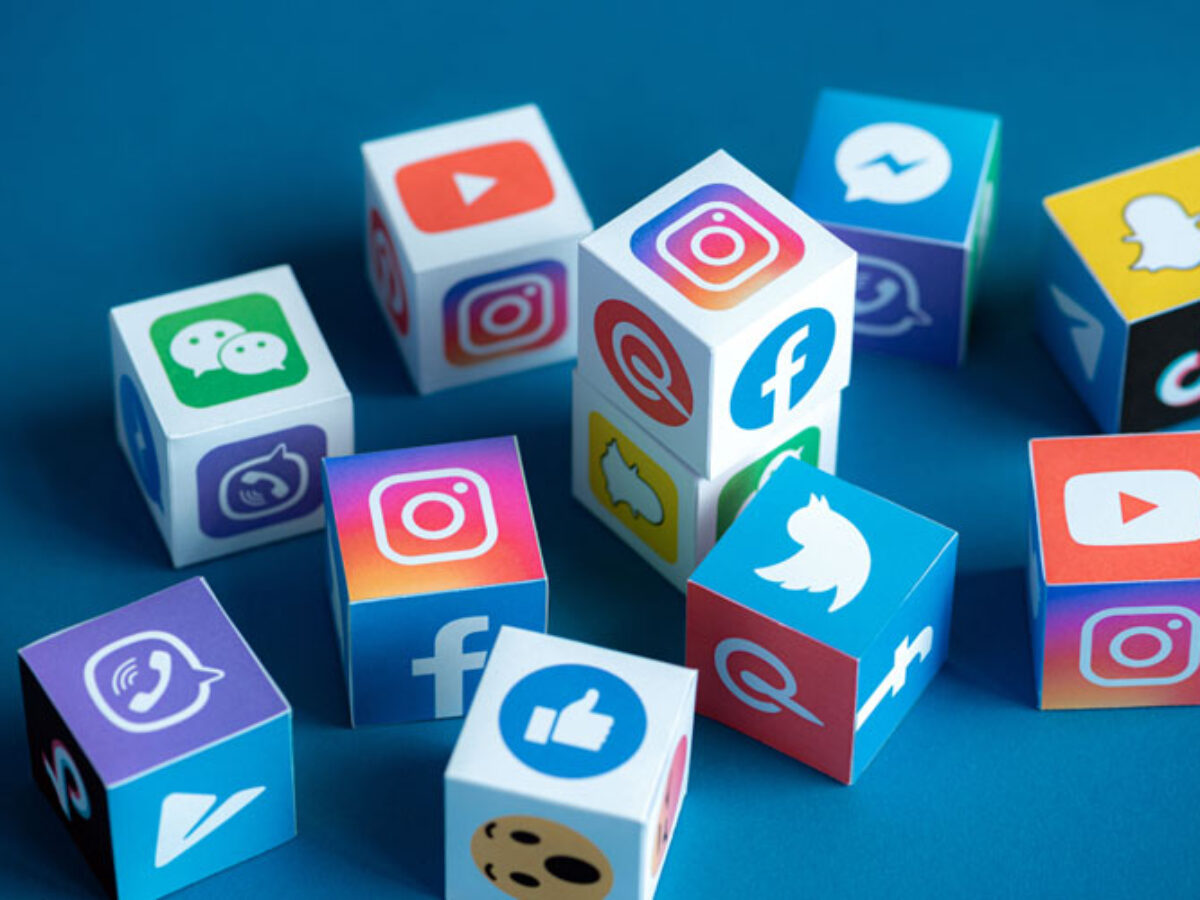
Networking Sites for Social Media. Social networking services are meant to help people who have similar interests and hobbies interact and form networks. These websites let users to create online profiles that include personal information such as name, age, hobbies, place of origin, and, sometimes in the case of Myspace, musical preferences. This allows users to search for specific types of people to connect with.
NETWORKING SITES FOR SOCIAL MEDIA
Internet-based tools and platforms that enable individuals to interact, exchange ideas, and create online communities are referred to as social media. Most social networking sites have a messaging feature that allows users to share information and communicate with friends.
Positive Implications;

1. Improved Interaction and Communication In the study, enhanced communication is defined as “the kind of communication that is more improved, advanced in a certain way,” while connectivity is defined as “the capacity to be connected to the various forms of communication in various ways at various times.” It’s clear that social networking has improved and progressed communication beyond all previous levels.
2. Although, chances for Development on the Personal and Professional Level First of all, it is acknowledged that the different experiences and opportunities offered by social networking sites can promote and enhance both professional and personal growth.
Negative implications;

Networking Sites for Social Media
1. However, dependency and Time Investment The first section of the study focuses on the excessive usage of social networking sites and highlights many of their harmful effects. Numerous people have been reported to have developed an addiction to social media platforms including Facebook, Instagram, and Twitter.
More Implications;

Networking Sites for Social Media
2. Also, concerns about Security and Privacy Social media contributes to privacy invasions in addition to the privacy issues already discussed. Users provide their personal information voluntarily, however any information obtained without consent raises a privacy breach complaint. Due to the online discussion that social networking sites foster, younger users may not grasp or may not understand the importance of privacy. The amount of time spent on social sites is astounding.
Summary
Social networking sites are online platforms that facilitate communication, content sharing, and community building.
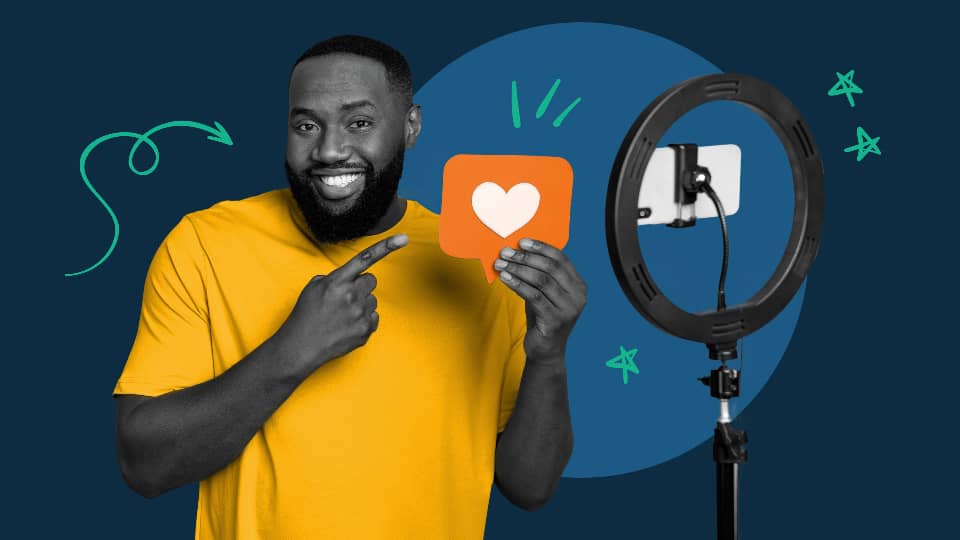
Social Media Influencer Requirements. To become a social media influencer, pick a topic you are passionate about, pick one or two platforms, such as Instagram or TikTok, and regularly share entertaining or useful videos. Responding to comments can help you establish a genuine relationship with your audience. You can also master audience building tactics by taking digital marketing courses.
SOCIAL MEDIA INFLUENCER REQUIREMENTS
A social media user who has built credibility in a particular area is known as a social media influencer. Because of their reach and credibility, these content producers can influence others and increase social media engagement by disseminating information to a wide audience.
Who is an Influencer?

An influencer, often known as a social media influencer, What Are Influencers? is a person who uses social media platforms to sway purchasing decisions. Promising influencers usually provide value on social media by way of high-quality material.
How to Become an Influencer
1. Finish the fundamental business tasks. Starting your influencer brand with the same mindset as a business is a crucial first step. Using business strategies will help you consistently draw in customers and make money. 2. Determine your specialty. An influencer can target a highly precise consumer market segment online by creating a niche. In addition to the demographics (age, geography, income, etc.) and psychographics (values, beliefs, interests, etc.) of your target audience, your niche may be founded on a certain type of material that you would post on social media.
2. Learn about your target group. After you’ve determined your specialty, study your target market through market research. In this manner, you can establish a strong relationship with your audience and provide insightful material that aligns with their objectives and areas of interest.
3. Establish your influencer company. Consider your influencer brand as an extension of your own personality, values, and passions; it’s a logical way to showcase your expertise in a certain field and open doors to commercial opportunities.
4. Examine your approach to content creation. Your social media posts are a major component of your influencer brand. Create a list of distinct content pieces that address various aspects of your category to begin developing a content strategy.
Social Media Influencer Requirements
5. Influencers can stimulate business expansion. The marketing potential is what gives influencers their power.
6. Write an outline of a business plan that meets your goals, summarizes what you offer, and analyzes competitor influencers in your category.
Summary
Discover how to develop your brand, motivate an audience, and understand the current social media landscape in order to become a social media influencer.

Adult Games for House Parties

Health Components of Citrus Fruits

Health Components of Lemon Fruits

A Step-by-Step Guide to Deleting Reels on Instagram

A Comprehensive Guide to Setting Up a YouTube Premiere